|
"This was no time for play. This was no time for fun. This was no time for games. There was work to be done." |
| - Dr. Seuss |
 When you start Clerk 2K for the first time, it will come up with a new (default) data file labled 'New'
(by default, all Clerk 2K files have the extension '.clk', but this is not required). Before doing
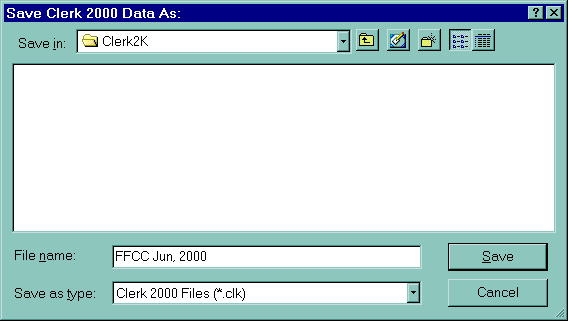
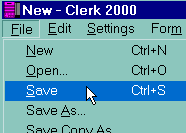
anything else, you should create a file that you will use for the show. To do this, select
Save under the File menu
(Save As will work as well).
When you start Clerk 2K for the first time, it will come up with a new (default) data file labled 'New'
(by default, all Clerk 2K files have the extension '.clk', but this is not required). Before doing
anything else, you should create a file that you will use for the show. To do this, select
Save under the File menu
(Save As will work as well). You will notice, that after doing this the title bar of the main window changes to reflect the new file
name that you saved the data under. The title bar always shows the name of the current data file
being used by Clerk 2K.
You will notice, that after doing this the title bar of the main window changes to reflect the new file
name that you saved the data under. The title bar always shows the name of the current data file
being used by Clerk 2K.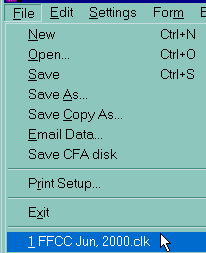 When you exit the program, this file is remembered and opened again the
next time you start Clerk 2K. So once you set up a data file for a show, you don't have to keep
selecting it each time you run Clerk 2K (assuming you are only processing one show at a time).
You will also notice that the file name is added to a file list at the end of the
File menu.
When you exit the program, this file is remembered and opened again the
next time you start Clerk 2K. So once you set up a data file for a show, you don't have to keep
selecting it each time you run Clerk 2K (assuming you are only processing one show at a time).
You will also notice that the file name is added to a file list at the end of the
File menu.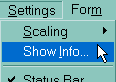 Almost all of the information needed to process a specific show is entered using the Show Setup dialog
which is selected from the Show Info command in the
Settings menu.
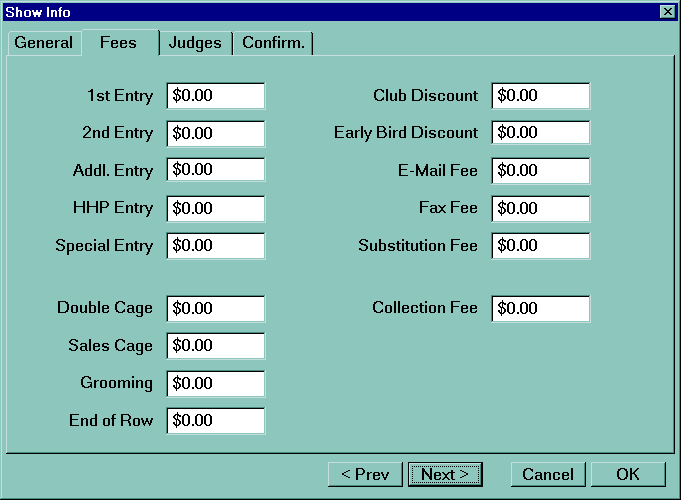
Almost all of the information needed to process a specific show is entered using the Show Setup dialog
which is selected from the Show Info command in the
Settings menu.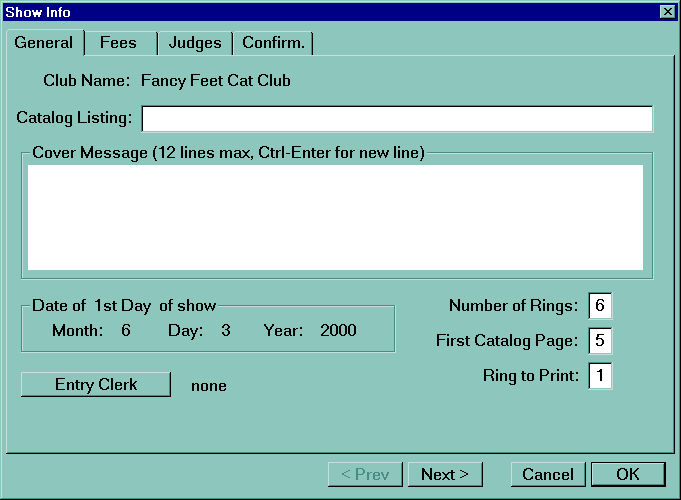
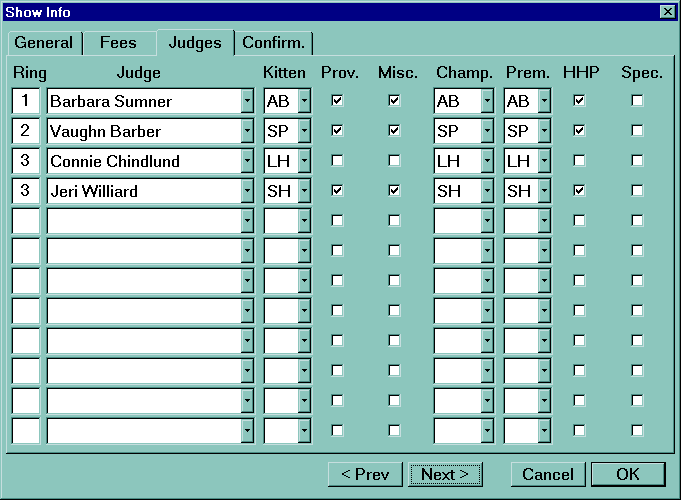
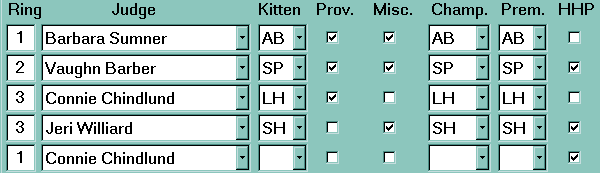
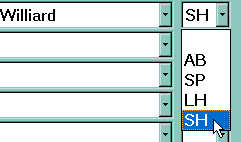 Kitten, Champ. and Prem. are pick lists that can be used to select if those classes are being judged
as Allbreed, Specialty, Longhair or Shorthair. If the judge is not judging that class at all, select the
blank item.
Kitten, Champ. and Prem. are pick lists that can be used to select if those classes are being judged
as Allbreed, Specialty, Longhair or Shorthair. If the judge is not judging that class at all, select the
blank item.